
Spectrum analyzer48 kHz · 32f
Initialising DSP engine0%
Click or press any key to skip
Click or press any key to skip
 audio engine · web previewv1.2
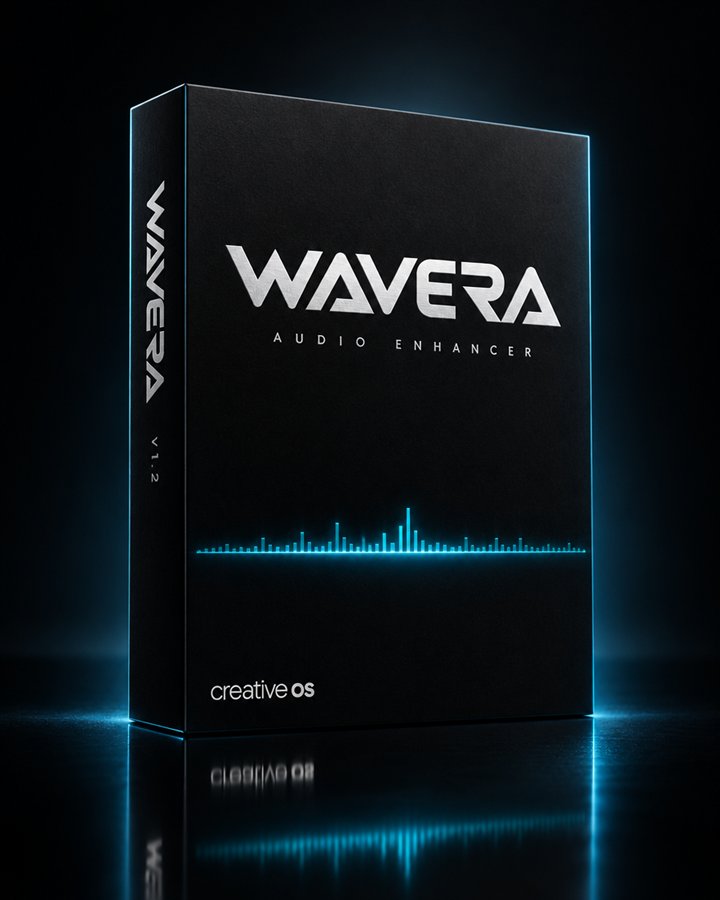
Everything here processes real sound. Press Play for the built-in demo loop, drop in your own track, or paste a YouTube link and capture its tab. Use headphones, then try A / B: the bypass is loudness-matched, so you hear the processing, not extra volume.
 v1.2
v1.2Reference: the colour stages (Clarity, Warmth, Punch, Stereo, Flavor) are off. EQ, Night and the limiter stay as set. Headphone and room correction come with the Windows app.
WAVERA is bypassed and your music plays untouched. The free version processes 2 minutes at a time.
Unlimited listening with WAVERA Pro, coming soon.Everything you need to get the best out of WAVERA. Open any item with +.
Press Play for the built-in demo loop, click Load a track… (or drop a WAV, MP3, FLAC, OGG or M4A file on the console), or play any browser tab with Capture a tab. Headphones show the most detail.
WAVERA starts at a gentle 15% so nothing jumps out at you. Drag the outer ring of the orb, or focus it and use the arrow keys. 70% is each preset at full design strength.
Music, Film, Mix check or Voice set the EQ, knobs and flavor in one go. Presets never change your intensity.
Drag each zone of the spectrum up or down to boost or cut Bass, Body, Presence and Air (±12 dB). The switches under each zone change the filter's character, for example thick or punchy bass.
A / B bypasses WAVERA at matched loudness, so you hear what the processing does rather than a volume jump. The readout under the orb shows the correction in dB.
Lab shows the whole signal chain; click any module to bypass it. Reference switches off every colour stage for checking mixes. Tune hides the chain for simple listening.
Paste the link into Play from a link and click Open tab. Start the video, come back, click Capture a tab, choose the YouTube tab and tick Share tab audio. The tab goes quiet and you hear it through WAVERA. This works in desktop Chrome and Edge.
Not from a browser: websites can only process audio they're given. System-wide processing, per-app profiles and ASIO output come with the WAVERA Windows app, followed by macOS and Android.
No. Files and captured tabs are processed entirely inside your browser, on your own machine. Nothing is sent to a server.
LUFS is perceived loudness (momentary, K-weighted, approximate). Sample peak is the highest sample level in dBFS. PLR is peak-to-loudness ratio: higher means more dynamic. Correlation runs from +1 (mono) through 0 (wide) to −1 (out of phase).
The web preview is free while we test. WAVERA will be freemium: the free version processes 2 minutes at a time and you switch it on again to keep going. WAVERA Pro, with unlimited listening, is coming.
A new 64-bit engine with true-peak limiting and linear-phase EQ, headphone correction for thousands of models, then the Windows app with system-wide processing, VST3 hosting and neural restoration, followed by plugins, macOS, Android and iOS.